
Built for registration day — not just the landing page.
Run the event — not a spreadsheet
EventBuck is registration, payments, QR check-in, badges, and team ops in one workspace. Built for the door on the day, not just a pretty landing page.
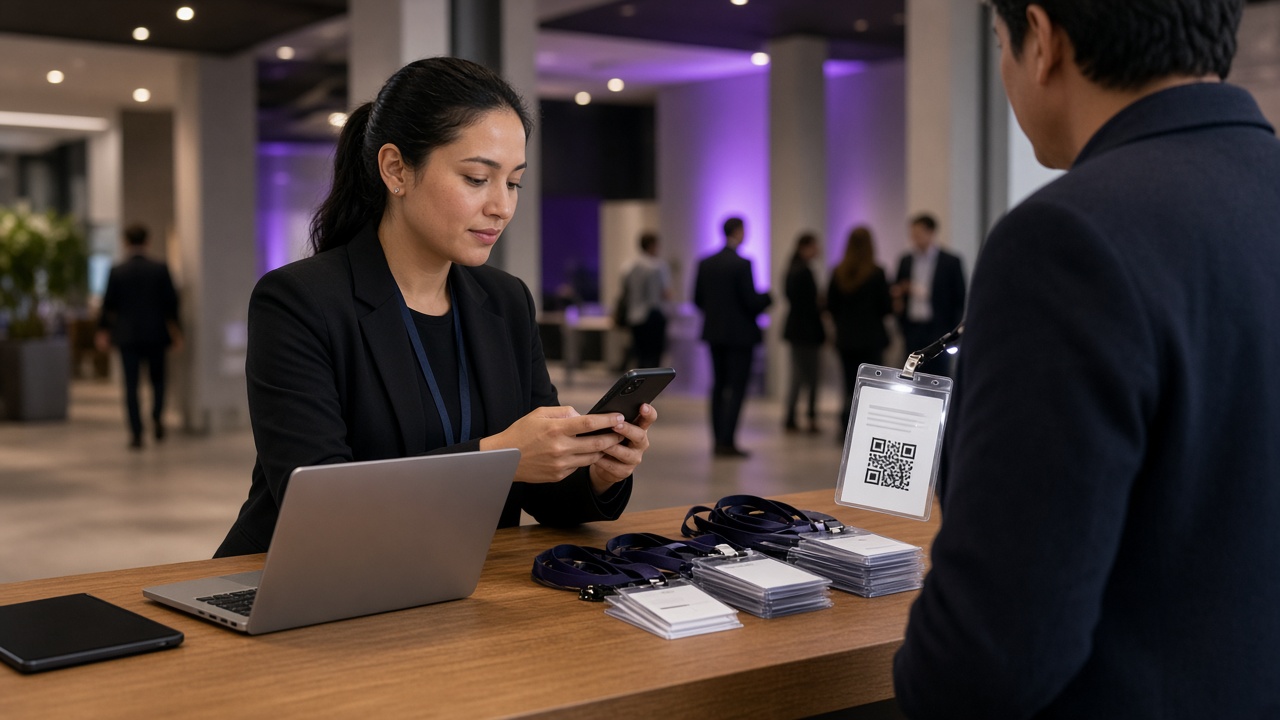
Live ops
Check-in writes to the database
CSV in/out
Import guest lists, export payments
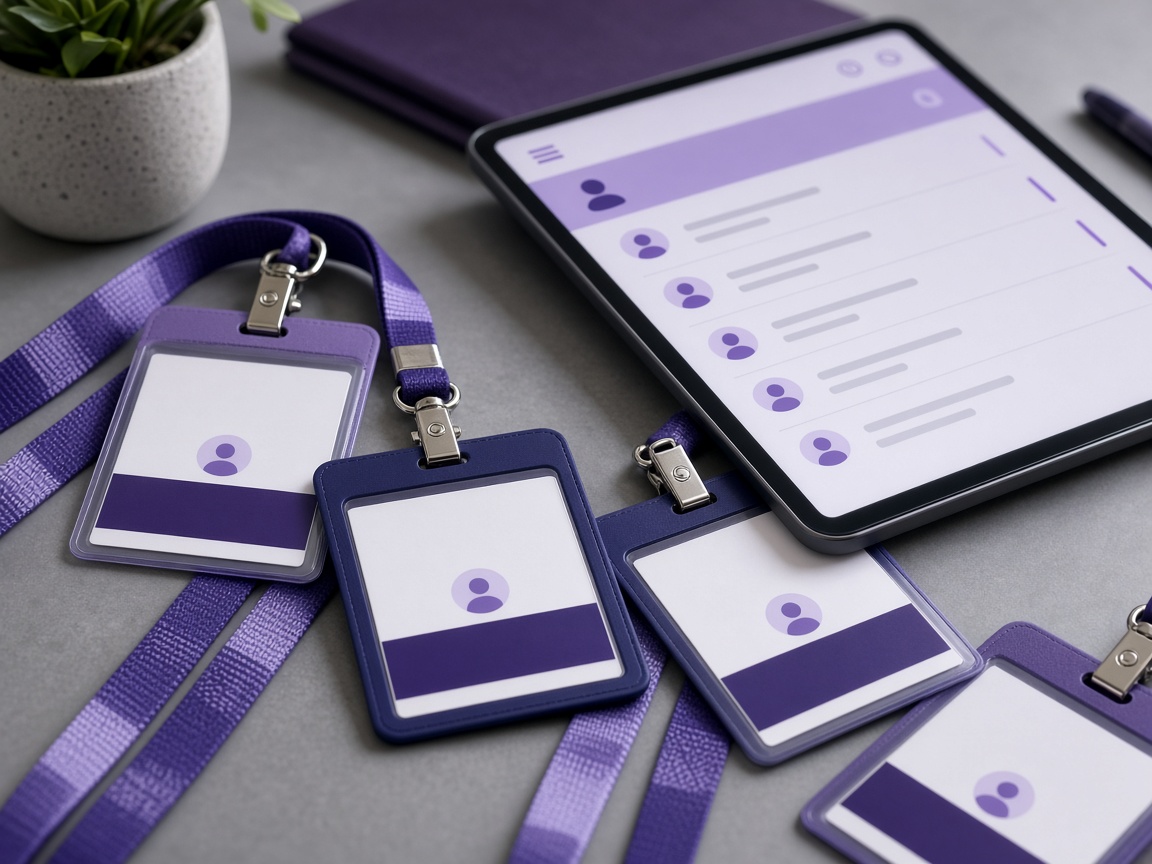
Badges
Printable QR + verification code
White-label
Logo and hero from admin branding
How it works
Three steps from blank workspace to a working door.
Create the event
Title, schedule, capacity, cover image, and free or paid tickets — including who absorbs processing fees.
Collect registrations
Share the public page. Guests register with custom fields and photos. Paid tickets go through checkout.
Run the door
Scan QR codes or enter verification codes. Print badges. Watch live attendance on the same workspace.
Everything you need on event day
The same flows organizers actually use in the dashboard.

Team collaboration
Invite staff with roles. Share the same events, participants, and door check-in.
Live analytics
Registrations, attendance, and completed payment volume per event — from real tables, not placeholders.
Door check-in
Camera QR scan or code entry. Already-in, unknown code, and welcome states. Daily unique check-ins.
Email when configured
Registration confirmation with the verification code, using your Resend key when enabled.
Custom branding
Logo, hero, colors, and platform name from the admin branding screen — they render on this site.
Payments that fall back to test
Flutterwave and Paystack when keys exist. Otherwise checkout completes in test mode so you can still demo.
Upcoming public events
Register in minutes — covers from organizers, or a branded fallback.
Plans for how you run events
Self-serve software, or a team that runs the room with you.
Self-Service
DIY event registration with platform access
- Up to 300 participants
- Up to 300 participants
- Registration platform
- Basic support
- Email notifications
Assisted
Professional setup with custom configuration
- Up to 500 participants
- Up to 500 participants
- Setup assistance
- Custom forms
- Priority support
Full-Service
Complete event management with on-site team
- Unlimited participants
- Unlimited participants
- On-site team
- Audio visual services
- Complete management
Conference Pro
Complete conference solution with interpretation services
- Up to 1,000 participants
- Up to 1,000 participants
- Simultaneous interpretation
- Professional AV setup
- Live streaming included
Gala Evening
Premium gala and evening event management
- Up to 500 participants
- Up to 500 participants
- Premium venue coordination
- White-glove service
- Entertainment support
Hybrid Events
In-person + virtual event management
- Up to 300 participants
- Up to 300 in-person + unlimited virtual
- Professional live streaming
- Virtual networking
- Multi-camera setup
Interpretation Add-on
Professional interpretation service add-on
- Unlimited participants
- Add to any package
- Up to 2 languages
- Professional interpreters
- Complete equipment setup
Live Streaming Add-on
Professional live streaming add-on service
- Unlimited participants
- Add to any package
- Multi-camera setup
- Professional production
- Platform integration
Enterprise Custom
Fully customized enterprise event solutions
- Unlimited participants
- Unlimited participants
- Dedicated account manager
- Fully customizable
- 24/7 priority support
Common questions
Can I run free and paid events?
Yes. Free events confirm instantly. Paid events collect a ticket with Flutterwave or Paystack when keys are configured, or a built-in test checkout when they are not.
Does door check-in actually write to the database?
Yes. Each successful scan or code entry creates a row in participant_checkins for that calendar day. Scanning someone twice the same day returns an already-checked-in state instead of a fake success.
Can staff scan QR codes on a phone?
The check-in station uses the device camera (Barcode Detector) plus manual code entry. Badges print a QR that encodes the verification URL.
Ready to run a real event?
Create an event, share the register link, scan at the door.